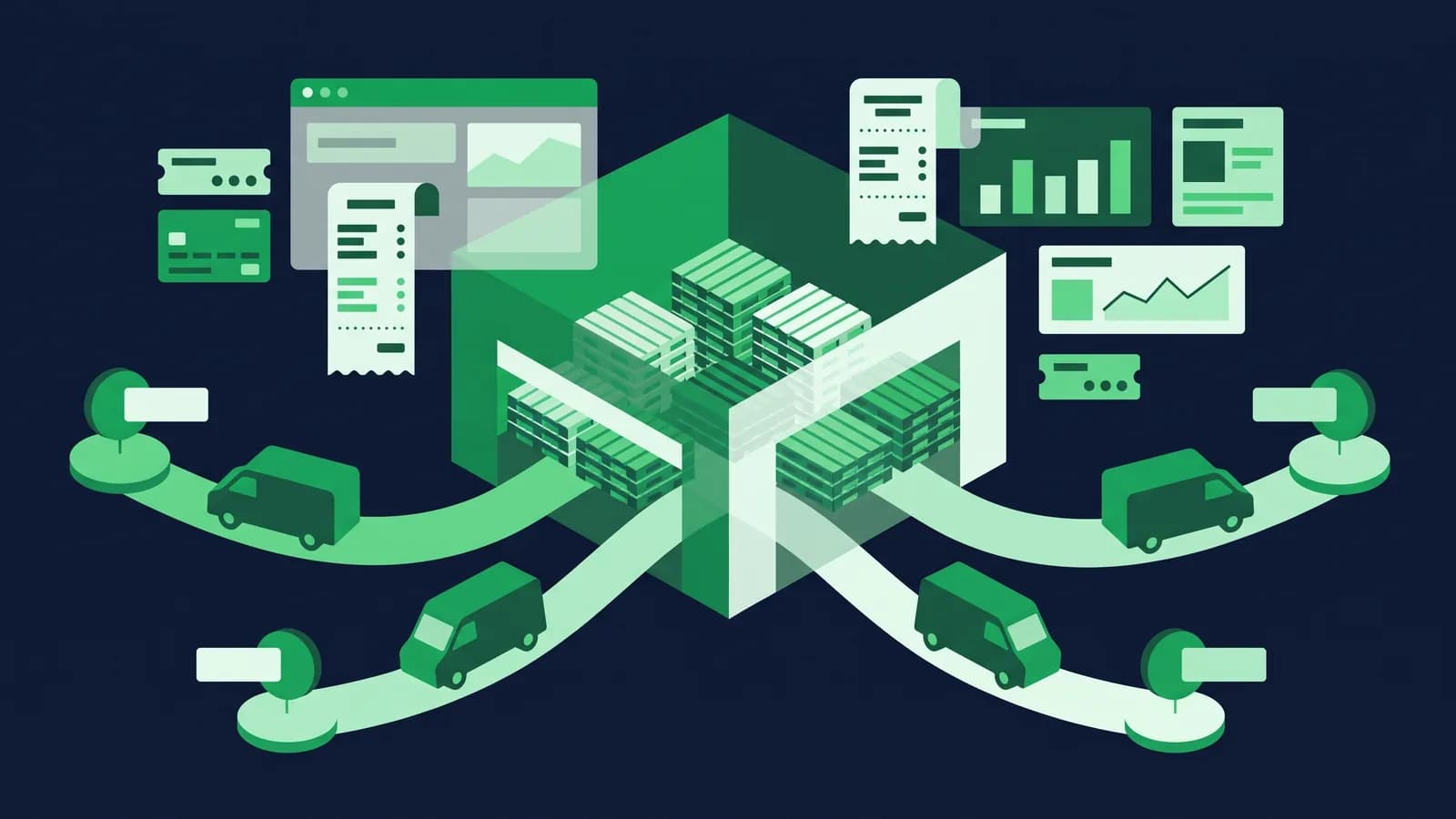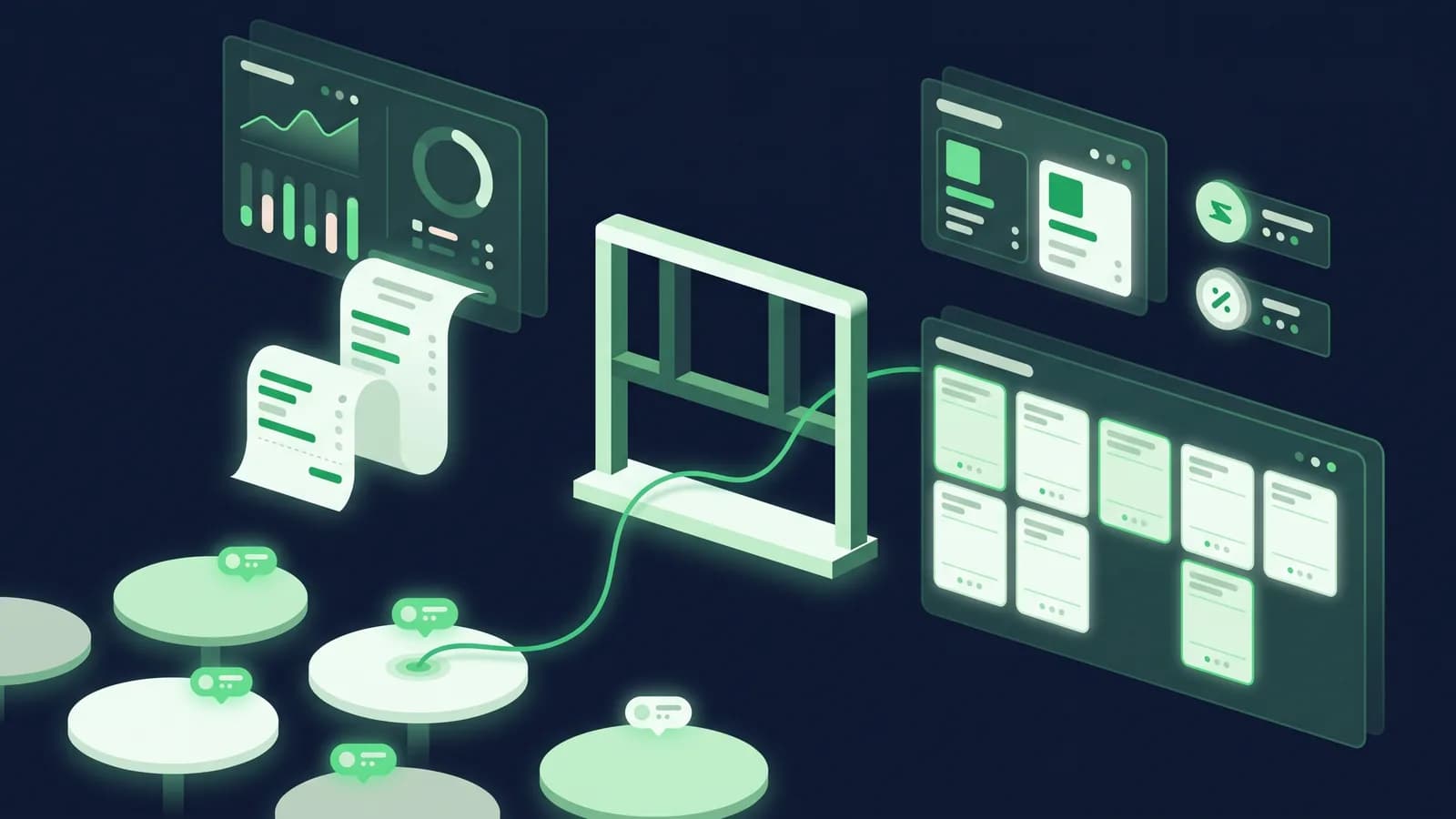
A retail POS and a restaurant POS look the same from the customer's side: a screen, a printer, a bill. Behind the counter they are different machines. A grocery till sells what is on the shelf. A restaurant till sells something that does not exist yet, has to tell the kitchen to make it, track which table or rider it belongs to, split it three ways when friends argue over the bill, and deduct rice, chicken and oil from stock even though nobody scanned a barcode. Buy a retail POS for a restaurant and you will spend the first month fighting it.
This guide lists what restaurant POS software in Bangladesh actually has to do, from the kitchen order ticket to the Mushak 6.3 invoice, and gives you a demo checklist to test any vendor against, including us. It applies whether you run a 40-seat Bangla-Chinese restaurant in Dhanmondi, a burger counter in Chattogram's GEC circle, or a cloud kitchen in Mirpur that only sells through delivery apps.
Why restaurant POS is a different product
Three things separate a restaurant from a shop, and each one breaks a generic POS.
The order is not the sale. In a shop, the bill is created and paid in the same minute. In a restaurant, an order opens, grows over an hour, gets items cancelled or moved, and is settled at the end, sometimes by several people. The POS has to hold open orders safely, not just "park" a bill.
The kitchen is a second user. Someone who never touches the till needs to see exactly what to cook, in what order, with what modifiers ("no onion", "extra spicy"). If that communication runs on shouting and handwritten slips, wrong dishes and free remakes follow.
Stock is recipes, not SKUs. You do not sell 500 g of chicken; you sell a chicken biryani that consumes it. Without a recipe behind each menu item, the POS cannot tell you the food cost of what you sold today or that you will run out of beef by Friday.
Everything below follows from those three facts.
KOT and kitchen display: the core of a restaurant POS
KOT stands for kitchen order ticket. When a waiter or cashier confirms an order, the POS sends a ticket to the kitchen, either printed on a small thermal printer near the stove or shown on a kitchen display screen (KDS). This is the feature to test first.
What a good KOT workflow looks like:
- Routing by station. Drinks go to the bar printer, grills to the grill station, desserts to the cold section. One order, several tickets, each station sees only its own items.
- Modifiers and notes travel with the item. "Less oil", "no coriander", "half plate" print on the ticket in the kitchen's language. Bangla on the KOT matters if your cooks do not read English.
- Running orders. Table 7 adds two more dishes twenty minutes later. The kitchen should receive only the new items, clearly marked as an addition, not the whole order again.
- Cancellations are visible and logged. If a dish is cancelled after the KOT fires, the kitchen gets a void ticket and the manager gets an audit entry. Unlogged voids are where free meals for friends disappear.
- Bump and timing. On a KDS, the cook marks a dish done ("bumps" it) and the ticket disappears; the system records how long it took. Over a month, that tells you which dishes slow down the kitchen at 9 pm.
A KDS is a small Android screen or tablet mounted in the kitchen; a KOT printer is a 58 mm or 80 mm thermal printer, the same class as a bill printer. Kitchen printers should be in a spot away from steam and oil, and splash covers are cheap. See hardware we have tested for models and indicative prices.
Table, takeaway and delivery: three modes on one screen
Most restaurants in Bangladesh run all three channels at once on a Friday night. The POS must switch between them without a different app or a different login.
| Mode | What the POS must hold | Typical Bangladeshi pain point |
|---|---|---|
| Dine-in | Table map, covers, waiter assignment, open order, merge and split bills, move table | Two families sharing one table, one bill split by dishes not by half |
| Takeaway | Customer name or phone, pickup time, token number, pay-now or pay-at-pickup | Tokens called out of order, prepaid orders forgotten at the counter |
| Delivery (own riders) | Customer address and phone, rider assignment, cash-collected vs online-paid, rider settlement | Rider returns with cash for six orders and a story about the seventh |
| Delivery (apps) | Order source tagged, commission recorded, app-paid vs cash-on-delivery, KOT fired from the app order | Staff re-typing Foodpanda orders into the POS, so stock and sales are wrong |
Look for a table map you can edit yourself when you rearrange the floor, a waiter-level view on a handheld or phone so orders are taken at the table, and bill splitting that works by item and by equal share. For takeaway, a token printed on the customer slip and on the KOT saves arguments at the counter.
Foodpanda, Pathao Food and other apps: what to expect
Delivery apps are now a large share of revenue for many urban restaurants, and a cloud kitchen may do 100 per cent of its business through them. The problem is operational: each app gives you its own tablet or merchant app, orders arrive there, and someone at the counter re-enters them into the POS so the kitchen and the stock know. On a busy night that re-entry lags, gets skipped, or gets typed wrong.
There are three levels of handling, from basic to ideal:
- 1Tagged manual entry. The cashier enters the order in the POS and tags the source as Foodpanda or Pathao. Slow, but at least sales, stock and commission are recorded per channel.
- 2Menu and price sync. The POS pushes menu changes and item availability to the apps so you are not maintaining three menus. When the kitchen runs out of mutton, it goes off the app too.
- 3Direct order intake. App orders appear in the POS order queue and fire a KOT automatically, with the app's order number on the ticket and the commission posted to the ledger.
Which level a vendor offers changes over time and depends on each app's merchant API terms, so ask your vendor specifically which apps are connected today, whether it is one-way or two-way, and what it costs. That includes us: we will not list an integration in an article that we have not shipped, so ask at a demo and get the current answer rather than last quarter's. Whatever the answer, insist that channel-wise sales and commission show up in the daily report, because the difference between app revenue and bank receipts is the commission and you need to reconcile it monthly.

Recipe and ingredient stock
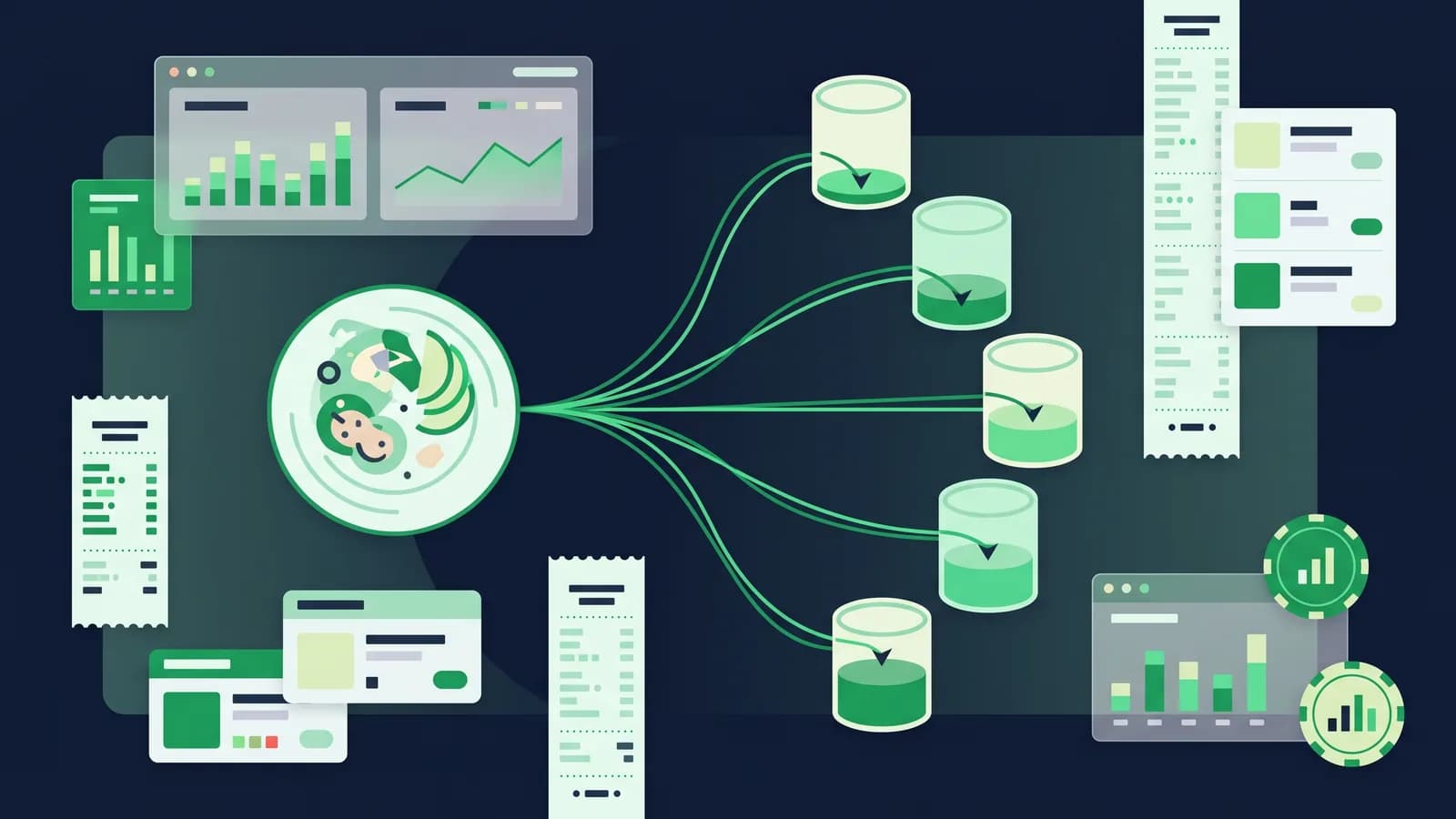
A menu item in a restaurant POS should sit on top of a recipe: a list of ingredients and quantities that is consumed each time the item is sold. In ERP language this is a bill of materials, and because MondayPOS is built on ERPNext, the same machinery a manufacturer uses for a finished product applies to a plate of kacchi.
What this gives you in practice:
- Ingredient stock moves automatically. Sell 40 chicken biryanis and the system deducts the chicken, rice, ghee and spices, so the store room count in the POS matches the store room.
- Food cost per dish and per day. You see the theoretical cost of everything sold versus what you actually bought and used; the gap is wastage, over-portioning or theft.
- Purchase planning. Low-stock alerts and reorder levels on raw materials, with purchase orders to your regular suppliers from the same screen. Inventory module details.
- Semi-finished items. Make 20 litres of gravy in the morning as a production entry; the dishes consume gravy rather than raw tomatoes and onion.
Recipes take effort to set up: someone has to weigh portions once. Vendors who promise food-cost reports without asking you for recipes are promising something they cannot deliver. Ask how recipe import works and whether you can update a recipe without calling support.
VAT on restaurant bills and Mushak 6.3
Restaurants in Bangladesh are a VAT-visible business: a customer sitting at a table is given a printed bill, and NBR field officers know it. If you are VAT-registered, every bill should be a Mushak 6.3 tax invoice with your BIN, the customer-facing breakdown, and the VAT amount shown separately, and the POS should produce the related sales register rather than leaving it to a spreadsheet at month end.
Points to check with your VAT consultant and your POS vendor:
- Which rate applies to you. Restaurant VAT rates in Bangladesh have changed more than once in recent years and differ by restaurant category (air-conditioned or not, hotel-attached, and so on). As of August 2026 restaurant services sit below the 15 per cent standard rate: air-conditioned restaurants are commonly charged at 10 per cent and non-air-conditioned at 5 per cent, the position NBR held when it excluded restaurant services from the VAT standardisation proposed in January 2025. Rates and category definitions have moved more than once, so confirm your own category with a VAT consultant rather than relying on this paragraph. The POS should let you set the rate per outlet and change it on a date without reprinting menus.
- Inclusive or exclusive pricing. Most menus in Bangladesh print VAT-inclusive prices for dine-in and the bill back-calculates the VAT. Make sure the POS supports both ways and prints the breakdown NBR expects.
- Mushak 6.3 for every bill, including delivery. App orders and takeaway tokens are sales too. The invoice number series must be continuous across all modes.
- The registers. Purchase and sales registers (Mushak 6.1 and 6.2) and the monthly return data should come from the same system that printed the bills, so the numbers agree. Accounting module and our Mushak 6.3 guide go into the forms.
- EFD/SDC. NBR has been rolling out electronic fiscal devices to specified business categories and locations, restaurants among them. Whether you are in scope and how the POS coexists with an EFD is a question for both your consultant and the vendor.
Service charge: not a tax, but it must be on the bill
Many sit-down restaurants add a service charge, commonly in the 5 to 10 per cent range. Three things matter for the POS:
- 1It is a separate line, configurable per outlet and per mode (you usually do not charge it on takeaway or delivery).
- 2It is calculated on the correct base and shown clearly before VAT or after VAT according to your consultant's advice, since the treatment affects the VAT base.
- 3It is reported separately so you can distribute it to staff, if that is your policy, and show the figure to anyone who asks.
A POS that handles service charge as a manual discount-in-reverse, typed by the cashier each time, will be inconsistent within a week.
Offline billing when the power or internet goes
Evening load-shedding and a restaurant's peak hour overlap. The bill printer, the router and the kitchen printer may lose power together; even with a UPS on the counter, the broadband line often drops. A cloud-only restaurant POS stops taking orders at exactly the wrong time.
An offline-first POS keeps the order queue, the table map and the KOT routing on the local terminal, so the waiter's handheld, the cashier's screen and the kitchen printer keep working on the local network, and sales sync to the cloud when the line returns. Put the POS terminal, the router and the kitchen printer on the same UPS and the restaurant carries on through a one-hour outage. Our load-shedding guide covers the setup; ask any vendor to demonstrate an order, a KOT and a bill with the router unplugged.
Multi-branch and franchise
Once a brand works, Bangladeshi restaurants grow by opening a second branch or franchising. The POS then needs a head-office layer:
- Central menu, local prices. One menu master, with branch-level price and availability overrides (a Gulshan branch and a Savar branch rarely charge the same).
- Central kitchen transfers. A commissary sends marinated chicken and sauces to branches as stock transfers, costed, so branch food cost is real.
- Branch P&L. Sales, cost of goods, wastage and payroll per outlet, side by side, from one login. Reports and multi-branch cover this.
- Franchise visibility. Read-only access for a franchisee to their own outlet, full access for the franchisor, and royalty calculated from actual net sales rather than a declared figure.
- Role-based access. A cashier cannot void after KOT without a manager PIN; a branch manager cannot see another branch.
For fast-food and QSR formats the same list applies, plus speed of service at the counter and combo pricing. See fast-food POS for that variant and cloud kitchen POS for delivery-only operations where the table map disappears and channel reconciliation becomes the whole job.
What it costs
Software for a single restaurant on a subscription model typically runs ৳1,500 to ৳7,000 per outlet per month in Bangladesh, with one-time licences and custom restaurant systems priced higher. MondayPOS publishes its pricing: Lite at ৳1,500 per outlet per month for a small single counter, Business at ৳3,500 (POS, sales, purchase, stock and accounting, with ৳2,450 for each extra outlet), and Growth at ৳6,500 adding CRM, loyalty, HR and payroll (৳4,550 per extra outlet), billed monthly or yearly, plus 5% VAT. Pricing. Hardware for a single outlet, meaning a POS terminal or tablet, bill printer, one or two kitchen printers or a KDS screen, cash drawer and UPS, is a separate one-time cost; see the hardware page for current ranges from local sellers.
Questions to ask at a restaurant POS demo
Bring your own menu and run these live.
- 1Open a table, send a KOT, add two dishes ten minutes later, cancel one. Show me what the kitchen printed each time and where the cancellation is logged.
- 2Split this bill by item between three people, one paying bKash, one Nagad, one cash. Show day-end.
- 3Unplug the router. Take an order, fire the KOT, print the bill.
- 4Show me a Mushak 6.3 invoice for a dine-in bill with service charge, and the same for a delivery order.
- 5Change the VAT rate for this outlet effective next Monday without touching the menu prices.
- 6Enter a Foodpanda order. Where does the commission go, and what does the channel report look like at month end?
- 7Show me the recipe behind one dish, sell it, and show the ingredient stock drop.
- 8Transfer 5 kg of gravy from the central kitchen to a branch. What does the branch food cost show?
- 9What can a cashier do without a manager PIN?
- 10How long does setup take, who enters the menu and recipes, and what is the total first-year cost for two outlets?
The bottom line
Restaurant POS software in Bangladesh has one job in the kitchen (get the right ticket to the right station, every time), one job on the floor (hold open orders across tables, tokens and riders without losing a bill), one job in the store room (turn sales into ingredient consumption) and one job with NBR (print a Mushak 6.3 invoice at the right rate and produce the registers). It has to do all four with the router unplugged, and it has to do them in five branches the same way it does in one. Test those at a demo rather than reading feature lists.
To see how MondayPOS handles your menu, your VAT setup and your delivery channels, book a demo or start a free trial. Industry pages: restaurants, fast food, cloud kitchen.
Frequently asked questions
- What is the difference between restaurant POS and retail POS software?
- A restaurant POS holds open orders per table or token, sends kitchen order tickets (KOT) to printers or a kitchen display, splits and merges bills, and deducts ingredients through recipes. A retail POS is built around scanning a barcode and closing the bill immediately. Using a retail POS in a restaurant usually means the kitchen and stock run on paper.
- What is a KOT and do I need a kitchen display?
- A KOT is the kitchen order ticket the POS sends when an order is confirmed. A small thermal printer in the kitchen is enough for most restaurants; a kitchen display screen adds bump-to-complete and timing data, which helps in high-volume fast-food kitchens and cloud kitchens.
- Can restaurant POS software in Bangladesh handle Foodpanda and Pathao orders?
- At minimum it should let you tag each order's source and commission so channel sales reconcile with app payouts. Menu sync and direct order intake depend on each vendor's current integrations and the apps' merchant API terms; ask your vendor which apps are connected today and whether it is one-way or two-way.
- How is VAT charged on restaurant bills in Bangladesh?
- VAT-registered restaurants issue a Mushak 6.3 invoice showing VAT separately. The rate depends on the restaurant's category and has changed in recent years, so confirm your applicable rate with a VAT consultant; the POS should let you set it per outlet and change it by date.
- Is service charge the same as VAT?
- No. Service charge is a charge the restaurant adds and keeps or distributes to staff; VAT is a tax remitted to NBR. The POS should show them as separate lines and report them separately. How service charge affects the VAT base is a question for your consultant.
- Does a restaurant POS work during load-shedding?
- Only if it is offline-first, with the order queue, table map and KOT routing on the local terminal and sync to the cloud afterwards. Put the terminal, router and kitchen printer on one UPS and ask the vendor to demonstrate an order, a KOT and a bill with the router unplugged.