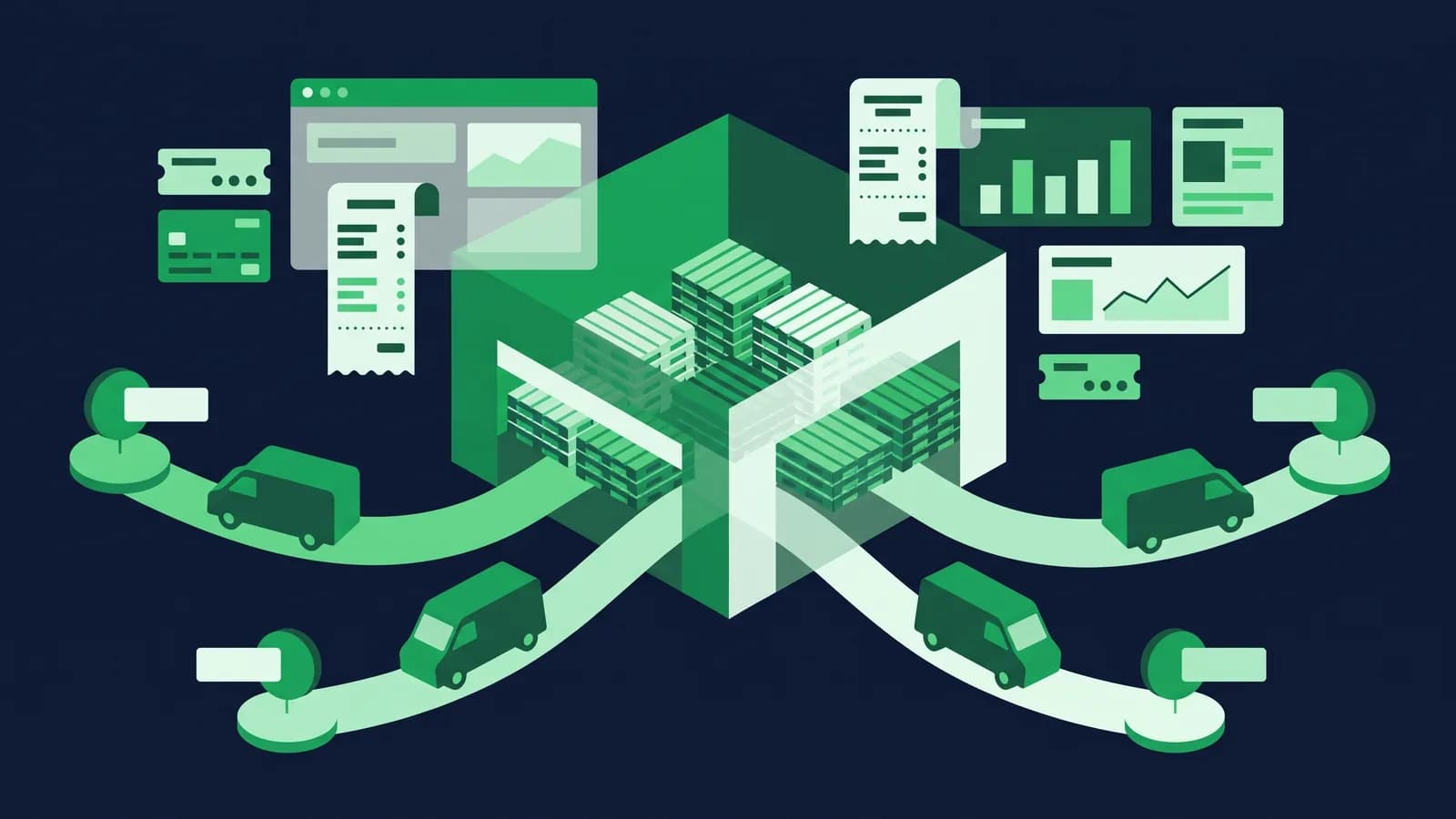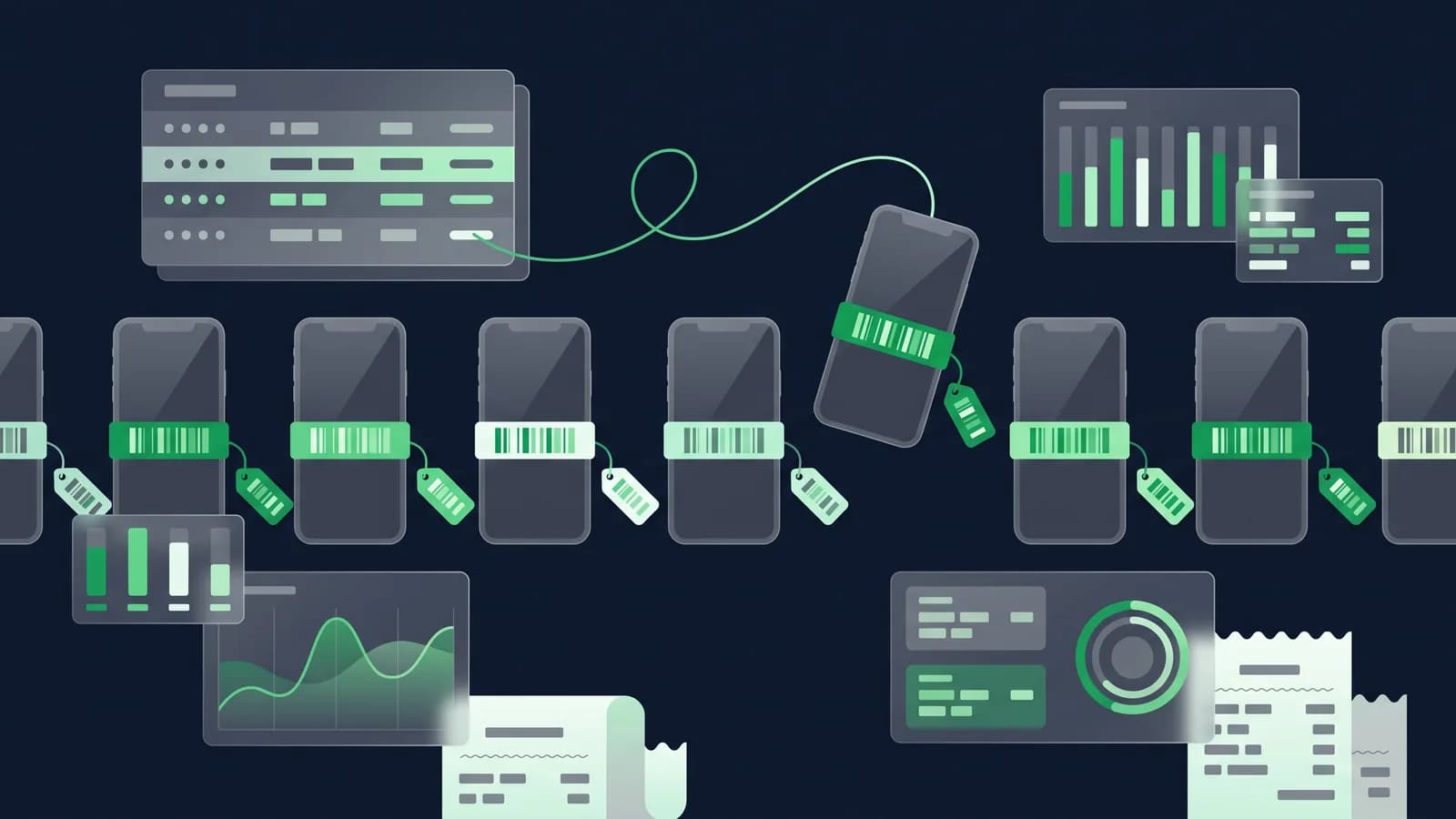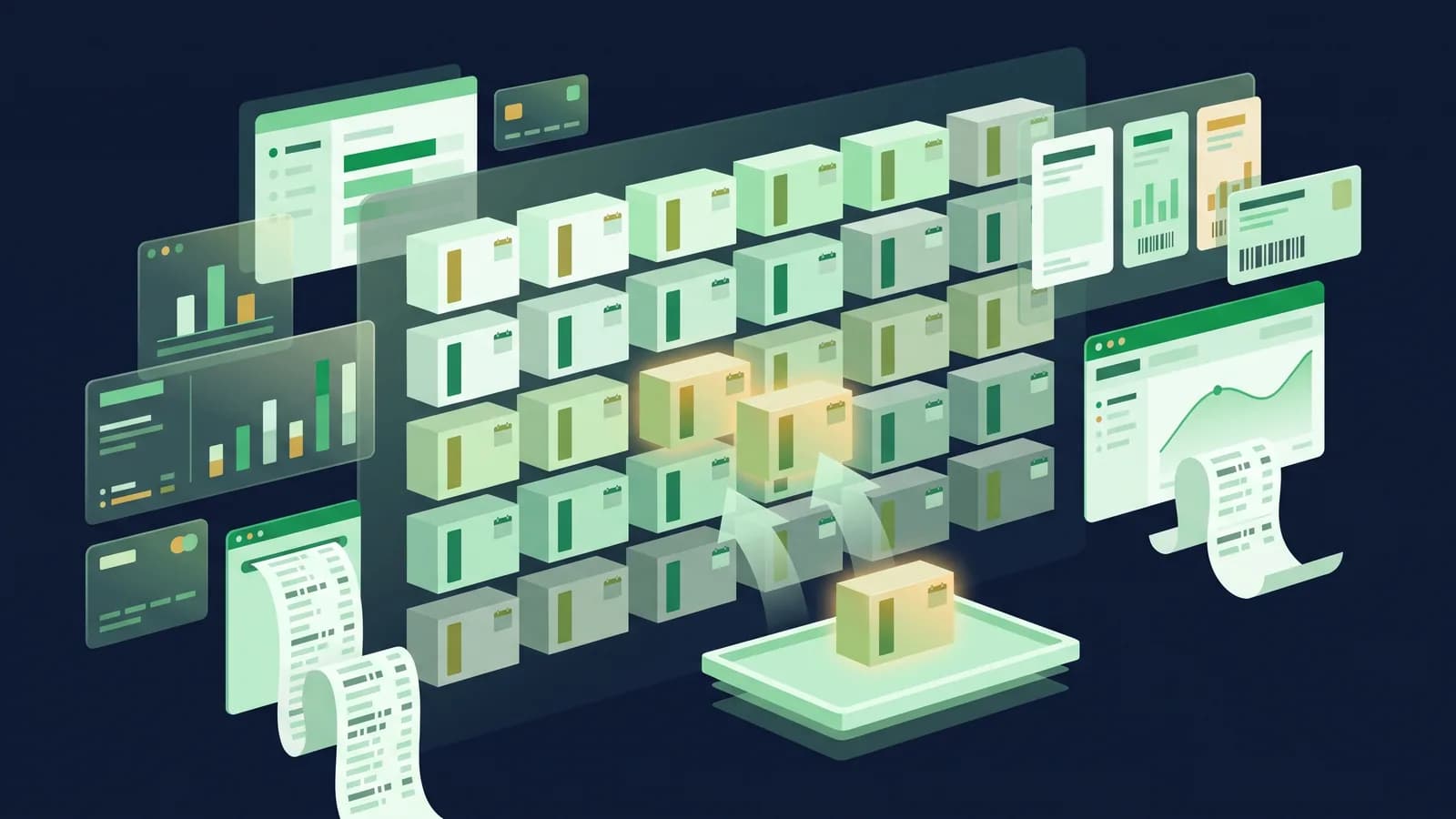
Every pharmacy owner in Bangladesh has the same drawer. It is the one at the back of the counter, or the shelf behind the dispensing desk, where the short-dated strips go to wait. Some of them get returned to the supplier in time. Some get sold at a discount to a neighbour's shop. A fair number quietly expire, and the money that bought them is gone. Most owners we talk to in Mirpur, Gulshan, Chattogram and Bogura can tell you roughly what that drawer costs them each year, and the figure is almost always larger than the yearly cost of the software that would have prevented it.
This guide explains, in owner's language rather than vendor's language, what pharmacy software actually does about that drawer: what a batch ledger is, how FEFO works at the moment a staff member scans a strip, what near-expiry quarantine means in practice, and how the less glamorous parts fit in, from strip-versus-box unit conversion to generic-name search, controlled-item logs and the records your drug licence inspection may ask for. Every capability described here is one you should ask any vendor, including us, to demonstrate live on your own products. Pharmacy POS details.
Why a general POS falls short in a medicine shop
A grocery POS knows that you have 40 units of a product. A pharmacy needs to know that you have 40 units made up of 12 from batch A expiring in November, 18 from batch B expiring next March, and 10 from batch C that arrived yesterday and is good for two years. That single difference drives almost everything else in this article.
Without batch-level stock, the software cannot tell you which strip to sell first, cannot warn you that 12 units are about to expire, cannot prove to a supplier which invoice the short-dated stock came from, and cannot answer a regulator who asks where a particular batch went. Many shops that "have a POS" are still managing expiry with a notebook and a monthly physical check, which works until the day it does not.
The second difference is units. Medicine is bought in boxes, stocked in strips and sold in tablets, and a system that does not understand the relationship between the three will drift out of sync with the shelf within a week. The third is regulation: a medicine shop operates under a drug licence with record-keeping expectations that a clothing store never has to think about.
The batch ledger: the foundation of everything
A batch ledger is a stock record where each receipt of goods is stored as its own line with its own batch number, expiry date, purchase price and supplier. When you sell, the sale is deducted from a specific batch, not from a general pile.
In practice, this is what it looks like when goods arrive from a distributor. The staff member receiving the consignment opens the purchase order, scans or types each item, and for each item enters the batch number and expiry printed on the box. The system creates a batch record linked to that supplier invoice. From that moment, every movement of that batch, whether a sale, a transfer to another branch, a return to the supplier or a write-off, is recorded against it.
What this gives you as an owner:
- A stock value you can trust. Each batch carries its own purchase price, so stock valuation reflects what you actually paid, not an average that hides margin changes.
- Traceability. When a distributor issues a recall notice for a specific batch, you can see in seconds how many units you have left and which branches hold them.
- Supplier accountability. When a batch arrives with less shelf life than agreed, the invoice it came on is one click away.
- An audit trail. Who received it, who sold it, who adjusted it, and when.
In MondayPOS this is handled by the inventory module built on ERPNext, where batch tracking is a property of the item, so you can switch it on for medicines and leave it off for non-pharma lines such as cosmetics or baby food that you may also stock. Inventory module.
FEFO at checkout: first expiry, first out
FIFO (first in, first out) sells the oldest purchase first. FEFO (first expiry, first out) sells the earliest-expiring stock first. The two sound similar but in a pharmacy they are not the same thing: distributors do not always ship in expiry order, and a consignment that arrived last week can carry a shorter date than one that arrived last month.
Here is how FEFO should work at the counter, and what you should watch for at a demo:
- 1The cashier scans a strip of a product that exists in three batches.
- 2The system automatically selects the batch with the nearest expiry date that still has stock, without the cashier having to choose.
- 3The bill shows the batch number and expiry, so the customer receipt matches the physical strip if the staff member picks correctly from the shelf.
- 4If the cashier needs to override, for instance because the customer asks for a longer-dated pack for a long course, the override is permitted but recorded against the user who did it.
- 5When a batch runs out mid-sale, the system moves to the next batch on the same bill line.
Two things make FEFO real rather than a slide-deck feature. The first is that the software's FEFO must match shelf discipline, so staff need to be trained to pull from the front, and the shelf needs to be loaded with the earliest date at the front. The software cannot pick the strip for them. The second is that FEFO must keep working when the internet drops. A cloud-only system that cannot reach its server cannot tell the cashier which batch to pick, and on a load-shedding afternoon the counter will fall back to guesswork. MondayPOS keeps the batch ledger on the terminal and syncs later, so FEFO continues offline. How the till works offline.
Near-expiry quarantine: catching stock while it still has value
FEFO reduces expiry losses but cannot eliminate them. Some stock will always be moving slower than its shelf life. Near-expiry quarantine is the process that catches that stock while there is still time to do something about it.
The mechanism is simple. You set one or more thresholds, typically 90, 60 and 30 days before expiry, and the system generates a list of batches crossing each threshold. Stock that crosses the final threshold can be moved automatically or manually into a quarantine status or a separate virtual warehouse, which blocks it from being sold at the counter unless a supervisor releases it.
What an owner should do with each list:
| Days to expiry | What to do | Who |
|---|---|---|
| 90+ days | Check whether the supplier's return window is still open; many distributors accept returns only with a minimum remaining shelf life | Purchasing / owner |
| 60–90 days | Raise a supplier return for slow movers; run a targeted discount or move stock to a busier branch | Purchasing |
| 30–60 days | Final push to sell or transfer; prepare return paperwork | Branch manager |
| Under 30 days | Quarantine; block from sale; record write-off or return | Supervisor |
The reports that make this work are a near-expiry report by branch and an expiry-value report that shows the purchase value at risk, not just the unit count. Seeing that ৳38,000 of stock will expire next quarter gets attention in a way that "47 units" does not.
What quarantine does and does not do
Quarantine does not delete stock. It moves it out of sellable inventory so the counter cannot bill it by accident, while keeping it on the books until you decide its fate: return, write-off, or supervised release. A write-off then posts to the ledger as an expense, so the accounting side matches the shelf. Accounting module.

Units: boxes, strips, tablets and bottles
A general-purpose POS will let you define a product once with one unit. A pharmacy needs the same product to be purchased as a box of 10 strips, stocked as strips, and sold as either a strip or a loose tablet. Syrups and drops are bought in cartons and sold by the bottle; some items are sold in millilitres or by weight.
The software term for this is a unit-of-measure conversion. You define the product once with a base unit, say tablet, and then define that 1 strip = 10 tablets and 1 box = 10 strips. Purchasing uses box, the shelf count uses strip, the bill uses whatever the customer buys. Stock is always held in the base unit, so the three views never disagree.
Things to check at a demo:
- Can the cashier sell 4 tablets from a strip of 10, and does stock show 6 tablets remaining in that strip?
- Can purchase price per box be converted to cost per tablet automatically, so margin reports are right?
- Can the same item have a different sale price per strip and per box?
- Do barcodes work at multiple levels, so scanning the box barcode and the strip barcode both resolve to the right item and unit?
Generic-name search: finding the molecule, not just the brand
A customer walks in with a prescription for a brand the shop does not stock. The pharmacist knows three other brands with the same generic. The question is whether the software does.
Generic-name search means each item carries a generic (molecule) name and strength alongside its brand name, so a search for the generic returns every brand you stock, with current stock and price for each. Good implementations also let you group by therapeutic class and by manufacturer, which helps when a customer asks for "the Square one" or "the cheaper one".
This matters for revenue as much as service. A shop that can instantly show alternatives sells instead of turning the customer away, and it can steer towards the brand with the better margin or the nearer expiry.
The practical challenge is data. Generic names need to be entered once per item, and if your product file was imported with brand names only, that enrichment is a task in itself. We cover importing below.
Controlled items: logs and supervisor authorisation
Certain medicines in Bangladesh are subject to stricter controls on sale and record-keeping. Which categories and schedules those are, and what each one demands, is for your licence consultant to confirm: the point here is that the system must be able to enforce whatever rule you are given, rather than leaving it to a cashier's memory.
Whatever the precise list, the software pattern is the same:
- Flag the item as controlled in the product master.
- Require extra fields at the point of sale, such as prescription reference, prescriber name and customer name or phone.
- Require supervisor authorisation, so a cashier cannot complete the bill alone; a supervisor enters a PIN or approves on their own login, and the approval is recorded.
- Maintain a controlled-item register that lists every sale, receipt and adjustment for flagged items, exportable for inspection.
- Restrict stock adjustments on controlled items to named roles, with a mandatory reason.
In MondayPOS, this is built on the role-based access and audit log that runs across the system: each action has a user, a timestamp and, where configured, an approver. A demo should show you the register being produced for a date range in under a minute.
Supplier returns of short-dated stock
The single most effective way to reduce expiry loss is to return short-dated stock to the distributor while the return window is open. Most distributors will accept returns under conditions that vary by company and product, commonly requiring a minimum remaining shelf life, original packaging, and a credit note rather than cash.
Software makes this routine rather than heroic. From the near-expiry list, the purchasing user selects the batches to return, the system creates a purchase return against the original invoice and batch, prints the return challan, and on receipt of the credit note posts it against the supplier's account. Your payables for that supplier fall, your stock falls, and the batch ledger records that those units left the shop as a return, not as a sale or a loss.
What to ask at a demo:
- 1Show me a purchase return created directly from the near-expiry report.
- 2Does the return reference the original purchase invoice and batch?
- 3How is the supplier's credit note recorded, and where does it show in payables?
- 4Can I see, per supplier, how much short-dated stock I have returned this year?
That last report is useful at the next price negotiation.

Drug licence and DGDA record-keeping
Retail pharmacies in Bangladesh operate under a drug licence issued by the Directorate General of Drug Administration (DGDA), and the licence carries expectations about records of purchase, sale and stock. We are not going to list those obligations here, which registers, how long you keep them, and the pharmacist-on-premises condition are questions for your drug licence consultant, and they have moved. What we can tell you is what the software has to be able to do on the day an inspector asks.
Rather than list obligations we cannot verify here, we will describe what well-organised pharmacy software should be able to produce on request, because that is what an inspection will test:
- Purchase register: every receipt with supplier, invoice, item, batch, expiry and quantity.
- Sales register: every sale with item, batch and quantity, with the extra fields for controlled items.
- Stock register: current stock by item and batch, with movement history.
- Expiry and write-off records: what expired, when it was quarantined, how it was disposed of.
- Supplier return records: challans and credit notes.
- Mushak 6.3 and VAT registers if the shop is VAT-registered. VAT guide.
The test to run at any demo is simple: ask for each of these for last month, for one branch, as a printable PDF and as a spreadsheet. If it takes more than a few minutes, or needs a developer, the system will not help you on inspection day.
Importing thousands of medicines
The step that stops many pharmacies from moving off paper or a basic POS is the product file. A typical medicine shop stocks anywhere from 2,000 to 8,000 items, and a larger one more. Typing them in is not realistic.
A workable import has three stages:
1. Item master. A spreadsheet with brand name, generic name, strength, form (tablet, capsule, syrup), manufacturer, base unit, pack conversions, purchase price, sale price and VAT status. If you already run a POS, export what it has; if you are on paper, start from the distributors' price lists, which are usually available as Excel files.
2. Opening batches. A second sheet with item, batch number, expiry date, quantity and purchase price for what is physically on the shelf. This is the hard part: it requires a physical count with expiry dates written down. Most shops do it over two or three evenings, one shelf at a time, and it is the last full count you will ever need to do without software.
3. Validation and load. The software should validate the file, show you every rejected row with the reason, and let you fix and re-upload before anything is committed.
MondayPOS includes data migration in the setup, and a single-outlet setup typically takes two to four weeks, most of which is the counting and cleaning rather than the software. Ask the vendor who does the cleaning, what format they accept, and what happens to rows with no expiry date.
Questions to ask at a pharmacy software demo
Bring your own five products, including one that exists in several batches, one controlled item and one syrup. Then ask:
- 1Receive a consignment of this product in two batches with different expiry dates. Show me the batch ledger afterwards.
- 2Sell one strip. Which batch did it come from, and why?
- 3Override the batch. Who is recorded as doing it?
- 4Show me the near-expiry report for 90, 60 and 30 days, with purchase value at risk.
- 5Quarantine a batch. Try to sell it at the counter. What happens?
- 6Sell 4 tablets from a strip of 10. Show me the remaining stock in tablets, strips and boxes.
- 7Search by generic name. Show every brand in stock with price and expiry.
- 8Sell this controlled item. What extra fields and approvals are required?
- 9Create a supplier return from the near-expiry list and show me the supplier's account after the credit note.
- 10Print the purchase, sales and stock registers for last month for one branch.
- 11Unplug the router and repeat questions 2 and 5.
- 12What is the total first-year cost for one outlet including migration and training? Pricing.
The bottom line
The drawer at the back of the counter is not a discipline problem. It is an information problem: nobody at the counter knows, at the moment of sale, which strip should go first, and nobody in the back office knows, 90 days out, what is about to expire. A batch ledger, FEFO at checkout and near-expiry quarantine fix the information problem, and supplier returns turn what would have been a loss into a credit note. Units, generic search, controlled-item logs and inspection-ready registers are what make the system livable day to day.
If you would like to see these features on your own product list, book a demo or start a free trial. Pharmacy POS details.
Frequently asked questions
- What is FEFO in pharmacy software?
- FEFO means first expiry, first out. When a cashier scans a product held in several batches, the software automatically deducts from the batch with the nearest expiry date, so the shop sells short-dated stock first and reduces expiry losses.
- What is the difference between FIFO and FEFO?
- FIFO sells the oldest purchase first; FEFO sells the earliest-expiring stock first. In a pharmacy they differ because a recent delivery can carry a shorter expiry than an older one, so FEFO is the correct rule for medicines.
- Does pharmacy software in Bangladesh work offline?
- Only if it is designed offline-first. MondayPOS keeps the batch ledger on the terminal, so FEFO and billing continue during load-shedding and sync when the connection returns. Ask any vendor to demonstrate a sale with the router unplugged.
- How do I import my existing medicine list?
- Prepare a spreadsheet with brand, generic, strength, unit conversions and prices, plus a second sheet with opening batches and expiry dates from a physical count. The software should validate it and report rejected rows. MondayPOS includes data migration in setup.
- What records does a pharmacy need for a drug licence inspection?
- Expect to produce purchase, sales and stock registers by item and batch, expiry and write-off records, and controlled-item registers, plus VAT registers if registered. Confirm the exact obligations with your drug licence consultant.
- How much does pharmacy software cost in Bangladesh?
- Subscription pharmacy POS typically runs from about ৳1,500 to ৳7,000 per outlet per month depending on modules. MondayPOS publishes its pricing: Lite ৳1,500, Business ৳3,500 and Growth ৳6,500 per outlet per month, billed monthly or yearly, plus 5% VAT.