If you have run a shop for a few years, you already own a system. It is a register with the day's sales in one column and the dues in another, a calculator, a drawer, a good memory for what your regulars owe, and a nephew who is decent with Excel. That system works. It has fed families for generations, and nobody should apologise for it.
This article is for the moment when it stops working quite as well: when the shop has 1,500 items instead of 300, when a helper serves customers while you are at the wholesaler, when a customer swears he paid last Thursday and you cannot prove otherwise, when the VAT office asks for an invoice format your bill book does not have. That is the moment people start asking "what is POS software, and do I need it?" Here is the honest answer, in plain language, written for someone who has never used software beyond a phone.
POS means point of sale: the counter, and the software that runs it
POS is short for "point of sale". It literally means the point where a sale happens: your counter. The place where the customer hands over money and takes the goods.
In Bangladesh the phrase gets used for three different things, and the confusion costs people money.
- The POS counter, the physical place: the desk, the drawer, the printer, the person standing there.
- The POS machine: the hardware. But careful: when a bank calls to sell you a "POS machine", they usually mean the small card terminal from a bank or payment company that swipes a Visa or Mastercard. That is a payment terminal. It takes card money. It does not know what you sold, what is left on the shelf, or who owes you ৳3,200.
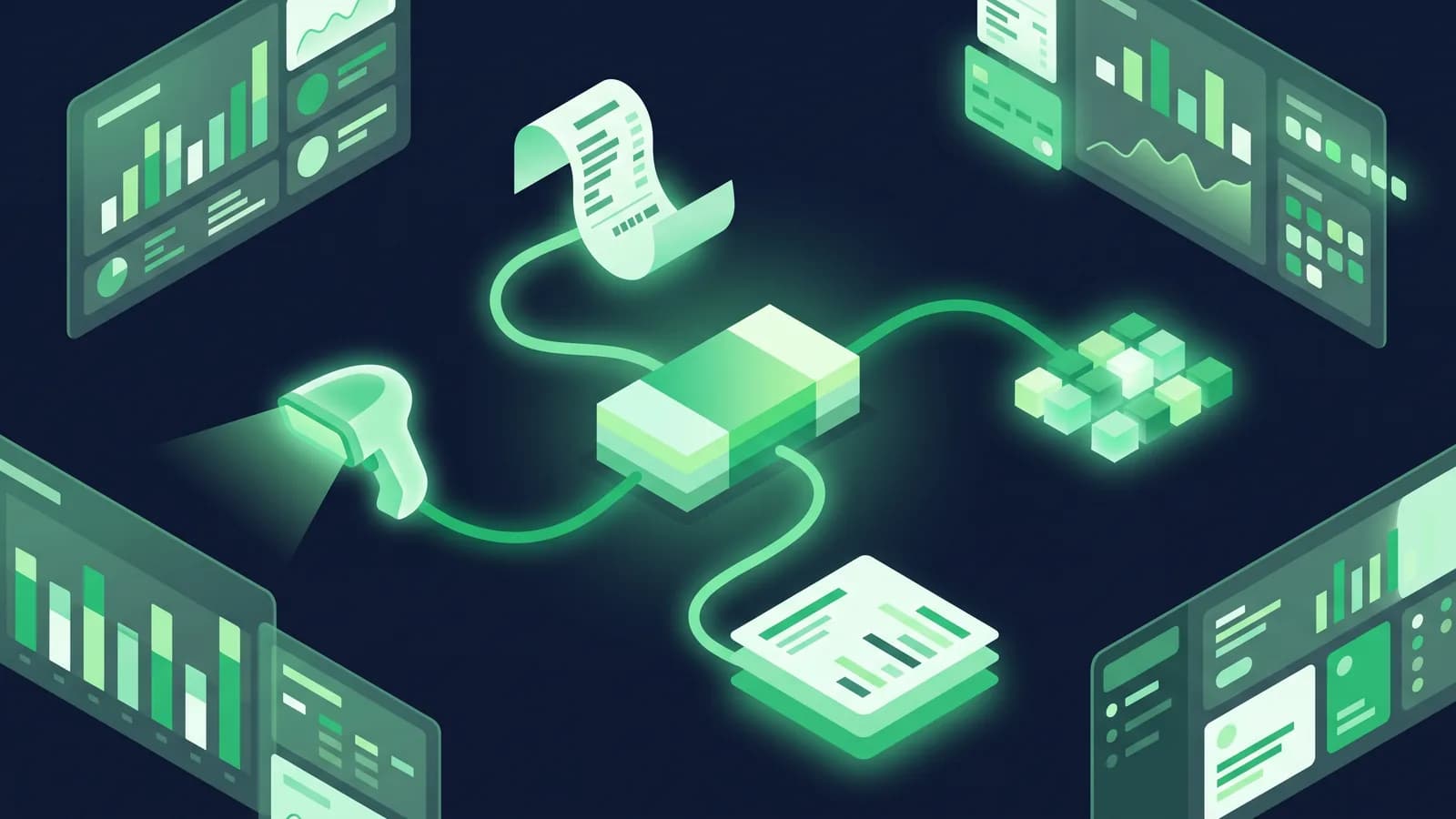
- The POS software: the program that actually runs the counter. It holds your product list and prices, prints the bill, subtracts the sold item from stock, records how the customer paid, keeps the dues, and adds it all up at closing time.
This article is about the third one. When we say POS software, we mean the shop's brain, not the bank's card machine. The two can sit side by side on the same counter and do completely different jobs. If you want to see what a POS screen looks like before reading further, our point of sale page shows the billing screen.
What POS software does after it prints the bill
Most owners first meet POS software as "the thing that prints a printed bill instead of a hand-written one". The printed bill is the smallest part of it. What the software is really doing, quietly, every time your hand touches the screen, is five things at once.
It keeps the stock count for you
Every item you sell is subtracted the second the bill is saved. Every item that arrives from the supplier is added when you enter the purchase. So at any hour of any day, the screen can tell you how many packets of that biscuit are supposed to be on the shelf, which items are down to the last few, and which items have not moved since Ramadan. You still count physically once in a while (the software does not stop pilferage by itself) but you now have a number to compare the shelf against, which is the whole game.
It remembers the dues, not you
Baki is where small shops lose the most money, and it is almost never theft. It is memory. A customer takes goods on Wednesday, you write it in the khata, the khata page gets torn, the customer remembers ৳500 and you remember ৳900, and the relationship is worth more than the difference so you let it go. POS software keeps a ledger per customer: every credit sale, every part payment, the running balance, the date. You can print it and hand it to him. Nobody has to argue.
It closes the day in minutes
At closing time the software shows what the day should contain: total sales, how much came in cash, how much on bKash, how much on Nagad, how much on card, how much went out as credit, how much was returned. You count the drawer once and compare. If cash is short by ৳340, you know tonight, not at the end of the month when nobody remembers Tuesday.
It produces the VAT paperwork
If your shop is VAT-registered, NBR expects a Mushak 6.3 invoice for sales and the prescribed VAT registers kept up to date. Doing that by hand for a few hundred bills a month is punishing. Software that is built for Bangladesh prints the Mushak 6.3 format from the same bill you already made and builds the registers as a by-product. Our Mushak 6.3 guide covers the forms in detail.
It tells you things you could not otherwise know
Which twenty items make half your profit. Which supplier's goods sit longest. What your Friday evening looks like compared with your Monday morning. How much margin you actually made this month after discounts and returns. These are not luxuries for big companies. They are the difference between guessing what to buy next week and knowing.
Register, Excel, or POS software: an honest comparison
Nobody should switch to software because a salesman said so. Here is how the three approaches genuinely compare for a shop in Bangladesh.
| Register notebook | Excel on a laptop | POS software | |
|---|---|---|---|
| Cost to start | Almost nothing | Cost of a laptop; the file is free | ৳1,000–7,000 per outlet per month typically, plus hardware |
| Speed at the counter | Fast if you know your prices | Slow, not built for billing | Fast once products are entered; scan or search and go |
| Stock count | Only by physical counting | Only as accurate as your typing | Updated automatically at every sale and purchase |
| Dues (baki) | Works, until a page tears or memory differs | Possible, but rarely maintained daily | Per-customer ledger with dates and balances |
| Day-end cash check | Manual addition; errors found late | Manual | Expected total vs counted cash, on screen |
| bKash / Nagad reconciliation | Separate mental note | Separate column, usually abandoned | Separate tender type, reconciled at day-end |
| Mushak 6.3 / VAT registers | Bill book only | Not practical | Printed from the same sale |
| More than one person billing | Depends entirely on trust | No | Yes, each user tracked separately |
| Works when power and internet fail | Always | Yes, if the laptop is charged | Only if the software is offline-first |
| Two or more outlets | Very hard | Very hard | Designed for it |
| What breaks it | Fire, water, a lost book, a bad month of memory | One wrong formula; one corrupted file; the person who built it leaves | A vendor who disappears; bad training; no backup |
| Best for | Under roughly 200 items, one person, cash only, no VAT registration | A shop that mostly needs monthly totals, not counter billing | Growing shops, dues, stock, VAT, staff, or a second branch |
Read that table honestly. If you sell 150 items from behind one counter, take only cash, have no VAT registration and never give credit, the register is not holding you back and software will feel like homework. If three or more rows in that middle column made you uncomfortable, you are the reader this article was written for.
Excel deserves a special note, because half the shops that "have software" actually have a spreadsheet. Excel is a wonderful tool and a poor shop system. It does not stop two people editing the same file, it does not know that a sale should reduce stock, it has no bill printing, no user permissions, no audit trail, and one accidental sorted column can scramble a year of work with no way back. Many owners get two good years out of a spreadsheet and then one very bad week.
The parts of a POS setup
A POS is not one purchase. It is a small kit, and you do not need all of it on day one.
The software. The part that matters most and costs the least to change your mind about. It holds products, prices, stock, customers, dues, bills and reports.
A computer or a phone. The software has to run somewhere. That can be a desktop PC you already own, a laptop, an Android phone, or a purpose-built Android POS terminal with a printer inside it. A phone-based counter is a real option for a small shop, not a compromise.
A receipt printer. A thermal printer that prints on roll paper. 58mm rolls are fine for a short grocery bill; 80mm is the sensible choice for anything VAT-registered, because a Mushak 6.3 invoice with BIN and item-wise VAT fits legibly.
A barcode scanner. Only useful once your products have codes. More on that below, because "my products have no barcode" is the single most common objection we hear.
A cash drawer. A steel drawer that pops open only when a bill is completed. If more than one person handles cash, this is the cheapest theft control you will ever buy. A one-person shop can skip it.
Internet. Needed for syncing, for reports on your phone, for multiple branches. Not needed at every second if the software is offline-first.
A UPS. In Bangladesh this is not optional for a PC counter. A small UPS keeps the computer, printer and router alive long enough to finish the bills in hand and shut down properly.
Indicative August 2026 prices, from Star Tech, Ryans, BDStall and Daraz listings:
| Part | Typical price | Do you need it on day one? |
|---|---|---|
| 58mm Bluetooth receipt printer | ৳1,900–3,500 | Yes, if you bill from a phone |
| 80mm receipt printer (USB/LAN) | ৳4,300–5,500 | Yes, if VAT-registered |
| 2D barcode scanner, wired | ৳2,000–3,800 | Only once products have codes |
| Cash drawer | ৳3,750–7,000 | Only if staff handle cash |
| Label printer (for your own barcodes) | ৳9,000–12,000 | Later, and only for loose goods |
| Android POS terminal (printer built in) | ৳9,900–30,000 | An alternative to PC + printer |
| UPS, 650VA | around ৳3,700 | Yes, for any PC counter |
A working first counter is often ৳12,000–20,000 of hardware for a small grocery, more for a pharmacy or fashion shop. The full breakdown with model names is in our POS hardware price guide, and the hardware page lists what we have tested.
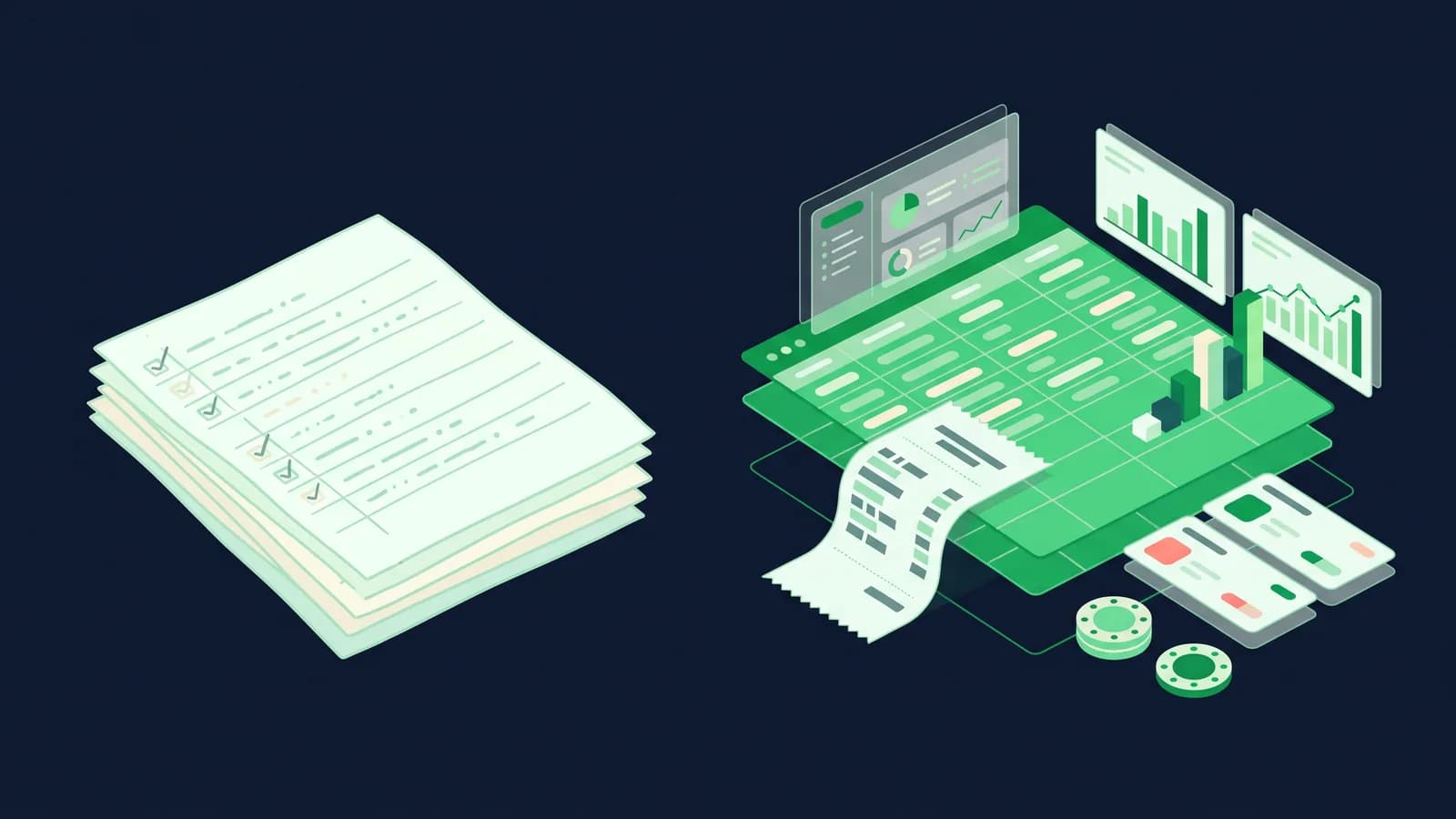
Cloud or offline: the one technical choice you cannot avoid
Cloud POS means your data lives on a server somewhere on the internet and the counter talks to it through your broadband line. The advantages are real: you can see today's sales from your phone in Cox's Bazar while the shop runs in Mirpur, there is nothing to install, updates arrive on their own, and adding a second branch is a settings change. The catch is equally real: when the line drops or the power goes, a cloud-only till stops billing. Some shops handle this fine with a mobile data backup. Many do not, because a queue does not wait for the router.
Offline-first POS means the software and a copy of the data sit on the machine at your counter. Bills are created, saved and printed whether or not the internet exists, and they sync to head office when the connection returns. You lose nothing, you re-type nothing, and the customer never learns that the line was down. The trade-off is that the terminal has to be maintained (a real computer, a UPS, backups) and if you never connect it at all, head office visibility suffers. Most systems built for Bangladesh, MondayPOS included, are offline-first with cloud sync so you get the counter reliability and the phone-based reporting together. Our load-shedding guide explains exactly what happens to a bill during an outage.
If you take one thing from this section: ask every vendor to unplug the router during the demo and complete a bill. Watching that is worth ten pages of brochure.
What it costs at entry level
Subscription POS in Bangladesh typically runs from about ৳1,000 to ৳7,000 per outlet per month, and one-time licences from roughly ৳20,000 to ৳80,000 plus an annual maintenance fee. Most vendors quote privately, which makes comparison hard. MondayPOS publishes its prices: Lite at ৳1,500 per outlet per month for a single small shop, Business at ৳3,500 with POS, sales, purchase, stock and accounting, Growth at ৳6,500 adding CRM, HR and payroll, billed monthly or yearly, plus 5% VAT. See pricing or our full POS software price guide for what other vendors charge.
A realistic first-year figure for a small grocery starting from nothing: roughly ৳15,000 of hardware plus ৳18,000 for a year of Lite, so about ৳33,000 in year one and under ৳20,000 from year two. Compare that against one month of unnoticed stock loss and the arithmetic usually settles itself.
Five signs your shop is ready for POS software
- 1Someone other than you sells. The moment a helper, a son or a hired salesman rings up sales, you need a record that does not depend on that person's honesty or memory.
- 2You cannot answer "how much stock of this do I have" without walking to the shelf. Past roughly 300–500 items, memory stops scaling.
- 3Your dues book has more than about twenty live names. Or you have stopped chasing small amounts because working out who owes what is too much effort.
- 4You are VAT-registered, or about to be. Mushak 6.3 invoices and registers by hand are a monthly punishment.
- 5You are opening a second outlet, or thinking about it. Two shops on two registers is not twice the work; it is roughly four times.
Five signs you are not ready yet
- 1The shop is very small and entirely cash. Under a couple of hundred items, one person, no credit, no VAT: the register is genuinely fine.
- 2You have no reliable price list. If prices are negotiated for every customer and nothing is written down, software will amplify the chaos, not fix it.
- 3Nobody in the shop can or will type. Somebody must be willing to learn a screen. A son, a daughter, a salesman, or you.
- 4You are in a seasonal crunch. Do not start a rollout the week before Eid. Start in a quiet month.
- 5You are buying it to catch a thief. Software makes leakage visible, but installing it while you suspect your staff, without telling them why, usually ends with the software abandoned. Fix the trust problem first, then use the tool.
Being "not ready" is not a permanent state. Most of these are fixed in a few weeks of preparation.
How to start small and grow
The mistake we see most often is a shop buying every module and every machine on day one, then abandoning half of it. Do the opposite.
Phase 1, the first month: billing and products. Enter your top-selling products with prices. Bill from the software. Print a receipt. Nothing else. Let the counter get comfortable. Even a phone plus a ৳2,500 printer is enough to start.
Phase 2, month two: stock. Do one honest physical count and enter opening stock. Start entering purchases as they arrive. Now the stock number means something and low-stock alerts start earning their keep.
Phase 3, month three: dues and customers. Move your khata into the software, one customer at a time, starting with the biggest balances. Print a statement for two or three customers; the reaction usually convinces you.
Phase 4: VAT, reports and staff accounts. Turn on Mushak 6.3 invoicing, give each person their own login, and start reading the weekly reports.
Phase 5: the second outlet, purchasing, loyalty, payroll. Only when the first shop runs cleanly.
If your vendor cannot support this order and insists everything must be live at once, that is a useful thing to learn early.
The four fears every shop owner mentions
"My staff will resist." They usually do, for about ten days, and usually because they think it is a surveillance device or that they will look foolish in front of customers. Two things fix it: tell them plainly what it is for, and start with the youngest, quickest person as the trainer of the others. Billing speed matters here: a well-designed counter screen is faster than writing a bill by hand within a week, and once a salesman notices that, resistance ends on its own.
"My products have no barcode." Very few Bangladeshi shops are fully barcoded, and no reasonable system requires it. There are three answers. For packaged goods that already carry a manufacturer barcode, scan it and you are done. For loose or repacked goods (rice, spices, sweets, fabric) you print your own labels with a label printer, or you skip barcodes entirely and let the cashier search by name; typing "chi" and picking chinigura from a short list takes about a second. Most shops run half-scanned, half-searched for years and it is perfectly normal.
"I am not tech-savvy." Neither were most of the owners now running these systems. A billing screen is closer to using bKash than to using a computer: a few buttons you press in the same order every day. What actually decides success is not your comfort with technology; it is whether the vendor trains your staff in Bangla, on your own products, at your own counter, and answers the phone in week three when something confuses you. Ask about training and support hours before you ask about features.
"What if the software company shuts down?" A fair question, and one most vendors dodge. Ask two things at the demo. First: can I export my full data (products, customers, sales, stock) in a standard format like CSV or Excel, whenever I want, without asking permission? Second: what is the software built on? Systems built on open-source platforms such as ERPNext, which is what MondayPOS uses, mean the underlying software exists independently of any one company, and another partner can pick it up. Neither answer is a guarantee. Together they mean your years of data are yours, not hostage.
Questions to ask at any demo
Ask these five and watch the screen, not the slides.
- 1Unplug the router. Complete and print a bill. What happens to it when the internet returns?
- 2Sell an item that has no barcode. How many taps did that take?
- 3Give a customer ৳500 of credit, take ৳200 back tomorrow, and print his statement.
- 4Run day-end with cash, bKash and Nagad sales in it. Do the totals reconcile on screen?
- 5Export all my data right now, and show me the file.
The bottom line
POS software is not a machine and it is not a card terminal. It is the shop's memory: the price list, the stock count, the dues book, the day-end and the VAT file, all kept by something that does not get tired at nine in the evening. A register does the same job well until the shop outgrows one person's attention, and then it stops quietly, without announcing it.
If you are still deciding whether you need one, use the ten signs above and be honest with yourself. If you have decided you do, our comparison of ten POS systems sold in Bangladesh is the next thing to read, and then take two of them through the five demo questions.
To see how a counter like yours would run, book a demo or start a free trial.
Frequently asked questions
- What is a POS system, in simple words?
- POS means "point of sale", the counter where the sale happens. A POS system is the software plus hardware that runs that counter: it holds your product list and prices, prints the bill, reduces stock as you sell, records cash, bKash, Nagad and card payments, tracks customer dues and totals the day at closing.
- What is the difference between a POS machine and POS software?
- A "POS machine" usually means either the hardware at your counter or the bank's card terminal that swipes Visa and Mastercard. POS software is the program that knows your products, stock, prices, customers and accounts. The card terminal moves money; the software runs the shop. Many counters have both.
- Do I need POS software for a small shop in Bangladesh?
- Not always. If you sell under roughly 200 items, work alone, take only cash and are not VAT-registered, a register is fine. Once someone else bills for you, dues pile up, stock outgrows memory, or you register for VAT, software starts paying for itself.
- How much does POS software cost in Bangladesh?
- Subscription plans typically run about ৳1,000–7,000 per outlet per month; one-time licences roughly ৳20,000–80,000 plus annual maintenance. MondayPOS publishes ৳1,500–6,500 per outlet per month, plus VAT. Budget ৳12,000–20,000 more for basic hardware at a small counter.
- Can I use POS software if my products have no barcodes?
- Yes. Cashiers can search products by name, which takes about a second per item, and you can print your own barcode labels later for loose or repacked goods. No sensible system in Bangladesh requires a fully barcoded catalogue.
- Does POS software work without internet?
- Only if it is offline-first. That kind saves and prints bills on the counter machine during load-shedding or a line failure and syncs to head office when the connection returns. Cloud-only systems stop billing when the internet does, so ask for a live demonstration with the router unplugged.