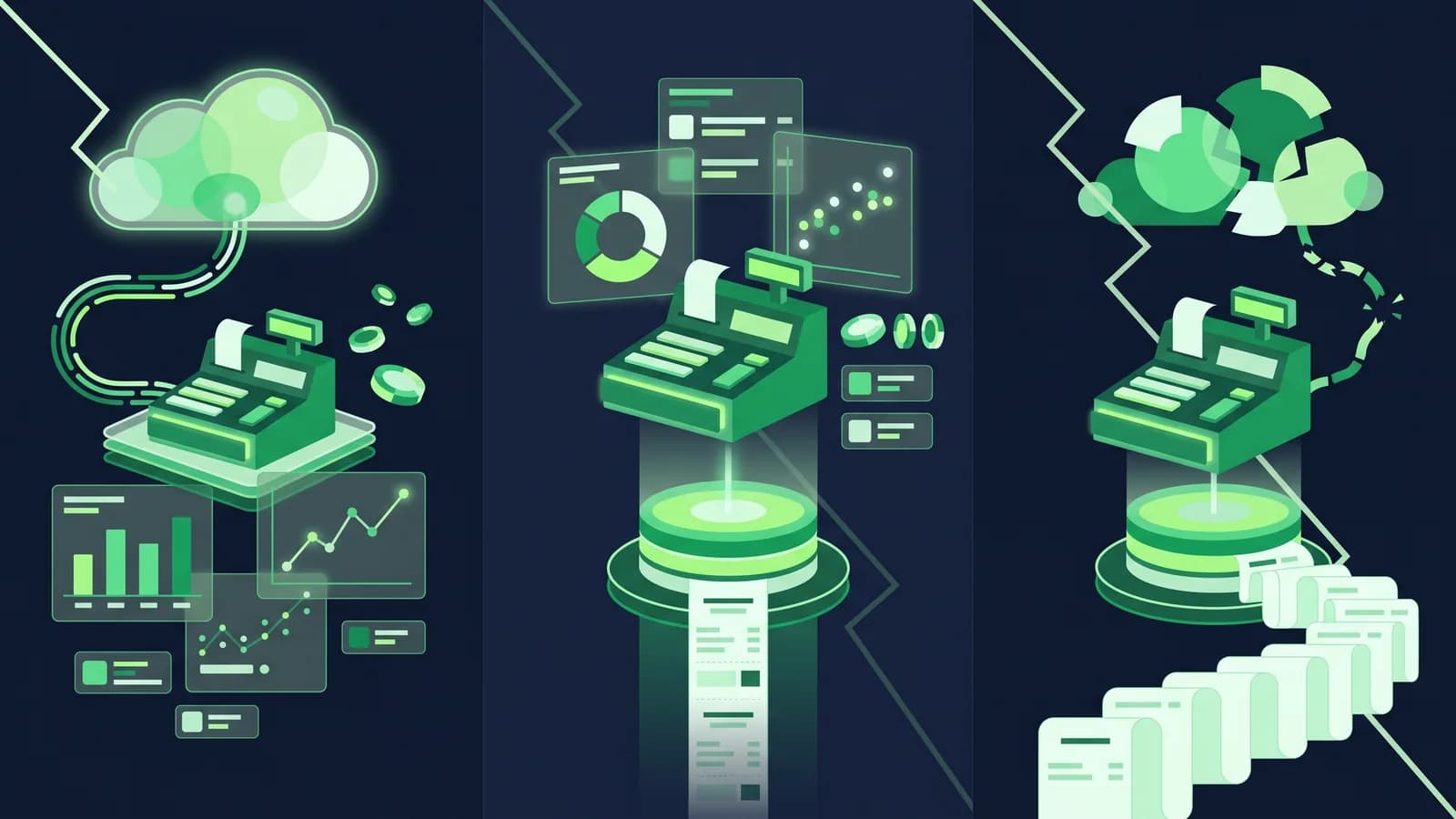
Every POS vendor in Bangladesh will tell you their software "works offline". Ask what that actually means and the answers split three ways. Some systems live entirely on a server in Singapore or Mumbai and need the internet for every bill. Some live entirely on the PC under your counter and never leave the shop. And some keep a full copy on the counter, bill from that copy, and push the data to the cloud whenever the connection is there. Those are cloud, offline and hybrid POS, and the difference only shows itself at 7:45 on a Thursday evening when the power goes, the router reboots, and there are six people holding baskets.
This guide explains the three architectures in plain terms, walks through exactly what happens at the counter in each one when power or internet drops, and covers the things that decide the choice over five years: sync conflicts, data safety, hardware, cost and multi-branch control. MondayPOS is a hybrid, offline-first system, so we have a view. But cloud-only is the right answer for some shops, and we will say where.
The three architectures in one minute
Cloud POS. The software and the database run on the vendor's servers. Your counter is a browser or a thin app that sends every action over the internet and waits for the reply. Nothing important is stored in the shop. Examples of this pattern are common among web-based POS products sold to small shops in Bangladesh; check each vendor's site rather than assuming.
Offline (on-premise) POS. The software and the database are installed on a PC or a small server in the shop. It works with no internet at all. Backups, updates and head-office reporting are your job, or your vendor's on a maintenance contract. This is how most POS in Bangladesh was sold before about 2018, and many pharmacies and wholesalers still run this way.
Hybrid (offline-first) POS. The counter holds a working copy of the products, prices, stock and customers, and writes every bill to its own local store first. A sync process sends bills up and pulls price and stock changes down whenever the internet is available. Head office sees everything in the cloud; the counter never waits for the cloud. MondayPOS, built on ERPNext, works this way; several other local vendors state an offline mode with auto-sync too.
The labels are less important than the behaviour, so here is the behaviour.
What happens at the counter when the power goes
Load-shedding takes out two things at once: mains power and, a few minutes later, the router and the ISP's street box if they are not on their own battery. Separate the two, because the architectures fail differently.
Scenario 1: Power drops, internet still up (you have a UPS)
| Cloud POS | Offline POS | Hybrid POS | |
|---|---|---|---|
| Can you finish the bill on screen? | Yes, if the PC, router and ONU are on the UPS | Yes, if the PC is on the UPS | Yes, if the PC is on the UPS |
| Can you print? | If the printer is on the UPS | If the printer is on the UPS | If the printer is on the UPS |
| Stock updates | Immediately, in the cloud | Immediately, on the local server | Immediately, locally; cloud after sync |
In this scenario all three are fine, and the UPS is doing the work. The lesson is that a UPS is not optional for any architecture; the question is how many devices it has to carry and for how long.
Scenario 2: Internet drops, power still up
This is the one that separates them. Broadband in Dhaka or Chattogram can drop for anything from thirty seconds (router reboot) to half a day (fibre cut on the road).
| Cloud POS | Offline POS | Hybrid POS | |
|---|---|---|---|
| Start a new bill | No, or a limited "offline mode" (see below) | Yes | Yes |
| Price and barcode lookup | No | Yes | Yes, from the local copy |
| Customer due (baki) lookup | No | Yes | Yes, as of last sync |
| Print Mushak 6.3 invoice | No | Yes | Yes |
| bKash / Nagad tender recorded | No | Yes | Yes; payment itself still needs the customer's phone network |
| Head office sees the sale | N/A | Only when someone sends a report | After sync, automatically |
Some cloud POS products now include a browser-cached "offline mode" that lets you queue a few bills. Ask precisely: how many bills, does it include barcode lookup for your full catalogue, does it print a compliant invoice, and what happens if the browser tab is closed before the connection returns. These modes range from useful to decorative, and only a demo with the router unplugged will tell you which.
Scenario 3: Power and internet both drop, no UPS
Every architecture stops. The difference is what you find when power returns. A cloud POS has nothing on the counter to lose; the half-finished bill is gone but the database is intact. An offline POS on a desktop PC without a UPS is the risky one: a hard power cut during a write can corrupt a local database, and if the last backup was last week, that is the week you re-enter. A hybrid POS has the same local risk on the counter, but everything up to the last sync is already safe in the cloud, so the exposure is the last few minutes of bills, not the last few days.
The practical rule: a hybrid or offline POS needs a UPS for the PC and printer; a cloud POS needs a UPS for the PC, printer, router and ONU. The cloud setup has more things to keep alive, not fewer. Our offline POS guide goes into the counter setup in detail.
Sync conflicts: the part nobody demos
Any system that lets two places write data without talking to each other will eventually get two answers to the same question. This is the real cost of hybrid, and an honest vendor will explain how they handle it rather than pretend it does not happen. The cases that come up in retail:
Stock goes negative. Two counters in the same outlet each sell the last unit of an item while the connection is down. After sync, stock is minus one. A good hybrid system allows the sale (you do not refuse a customer holding the product), records the negative, and flags it in a reconciliation report for the stock person to correct. Ask to see that report.
Price changed at head office while the counter was offline. The counter billed at the old price. Correct behaviour: the bill stands at the price the customer paid, the new price applies from the next sync, and the change is logged. Wrong behaviour: the synced bill is re-priced silently and your day-end does not match the printed receipts.
Customer credit limit exceeded. A wholesale customer buys on credit at two branches in the same hour. Each branch saw them under the limit. After sync they are over it. The system should show the combined balance at the next lookup and let you set whether the counter can over-ride.
Duplicate invoice numbers. The serious one. Mushak 6.3 invoices need a continuous, unique series. A hybrid system must assign numbers in a way that cannot collide between counters, for example a per-counter prefix or a locally reserved block, and it must never renumber a printed invoice after sync. Ask the vendor to show the numbering scheme and to explain what a VAT auditor will see.
Cloud POS avoids all of this, because there is only one copy of the truth, and that is a genuine advantage. Offline single-server POS avoids it within one shop for the same reason. Hybrid has to earn the right to be trusted by handling these cases visibly.
Data safety and backups
Where is your last five years of sales and stock, and who can lose it?
Cloud POS. Backups are the vendor's responsibility, which is usually a good thing: they run automated backups in more than one location and you never have to think about it. The risks are different. Can you export all your data, in a usable format, if you stop paying or the vendor closes? Is the data hosted inside Bangladesh or abroad, and does that matter for your VAT records? What is the vendor's stated uptime and what happened in their last outage?
Offline POS. You own the data completely, and you own the risk completely. The typical failure is not fire or theft; it is a hard disk that dies in year four with the backup on a pen drive in the same drawer. If you choose offline, the minimum is a daily automated backup to a second device plus a weekly copy that leaves the building or goes to a cloud drive.
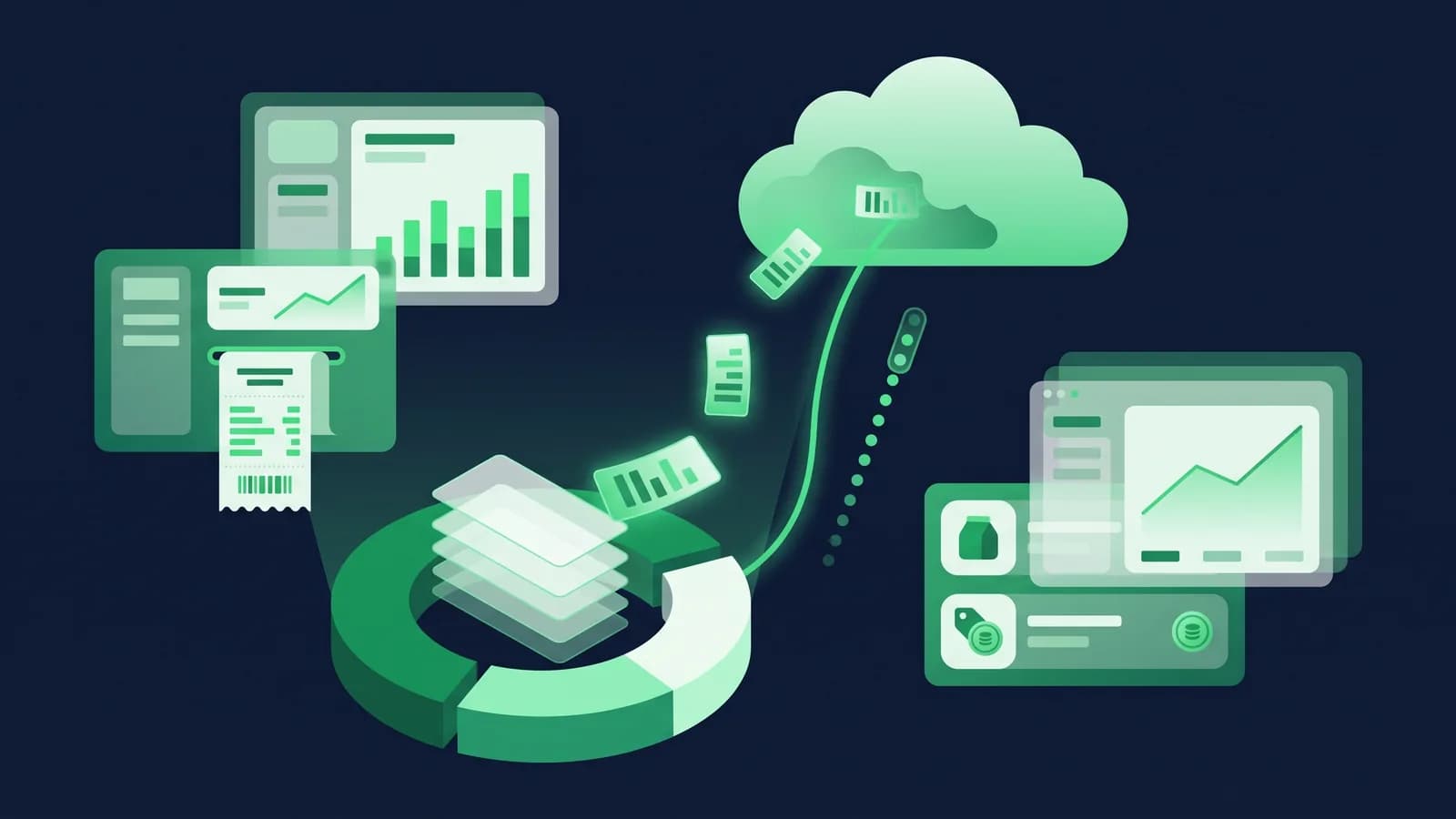
Hybrid POS. Two copies by design: the counter and the cloud. If the counter PC dies, you install on another PC, log in, and the catalogue and history come back down. If the cloud is unreachable, the counter keeps going. You should still ask the same exit question as with cloud: how do I take my full data out? With MondayPOS the underlying ERPNext database can be exported in full; ask any vendor to show the same.
Hardware: UPS, local server or laptop
Hardware is where most "cloud is cheaper" comparisons go wrong in Bangladesh, because a cloud counter needs more battery backup, not less.
UPS. For a single counter PC, monitor and thermal printer, a 650–1200 VA line-interactive UPS typically gives 10–30 minutes depending on load; as of August 2026 these list for roughly ৳3,400–7,000 at retailers such as Star Tech and Ryans: a 1200VA line-interactive unit was about ৳6,900–7,000 when we last checked, in August 2026. For a cloud POS, add the router and ONU to the UPS (small load, but they must be on it) or buy a separate mini-UPS for them. If your area sees hour-long load-shedding, a UPS will not cover it; you need an IPS or generator for the shop anyway, and the POS rides on that.
Local server vs laptop. An offline POS for one shop usually runs on a desktop PC that doubles as the counter. Once you have three or more counters, or a pharmacy with 10,000 SKUs and batch tracking, a small dedicated server or a mini PC kept away from the counter is sensible, and someone has to maintain it. A hybrid POS needs no server in the shop: each counter is a PC, a laptop or, in some products, an Android terminal, and the server is the vendor's cloud. A laptop has a built-in battery, which is an underrated UPS for a single-counter shop. See hardware options for what MondayPOS runs on; it is hardware-agnostic, so existing PCs, scanners and printers normally carry over.
Printers and scanners. No difference between architectures, with one exception: a cloud POS that prints through a browser may need a print-helper app or a network printer, so test printing specifically.
Cost over five years
Licence price is the visible number. The full picture for a single outlet, in rough terms:
| Cost line | Cloud POS | Offline POS | Hybrid POS |
|---|---|---|---|
| Software | Monthly or yearly subscription | One-time licence + annual maintenance (AMC) | Monthly or yearly subscription |
| Server hardware | None | PC or small server, replaced every 4–6 years | None |
| UPS / power | PC + printer + router + ONU | PC + printer | PC + printer |
| Backups | Included | Your time or a paid AMC | Included (cloud) + local copy |
| Updates | Automatic | Visit or remote session, sometimes chargeable | Automatic |
| Internet | Mandatory, ideally two ISPs | Optional | Needed for sync and reports, not for billing |
| Lost sales in outages | Highest exposure | Lowest | Low |
Typical subscription POS in Bangladesh runs roughly ৳1,000–7,000 per outlet per month; one-time offline licences roughly ৳20,000–80,000 plus an AMC. MondayPOS is published at ৳1,500 (Lite), ৳3,500 (Business) and ৳6,500 (Growth) per outlet per month, billed monthly or yearly, plus 5% VAT. Our price guide works through total first-year cost.
The line that decides it for most shops is the last one. One lost evening of sales in a busy Mirpur grocery can exceed a year's difference in subscription price.
Multi-branch: where the architectures really diverge
With one shop, all three can be made to work. With three branches in Dhaka and one in Chattogram, the architecture becomes the business.
Cloud POS gives head office real-time visibility by default: one database, every branch writing to it. The weakness is that every branch is only as reliable as its own internet. A fibre cut in one branch stops that branch, not the others, but it does stop it.
Offline POS makes each branch an island. Stock transfers become phone calls and Excel. Consolidated reports mean someone emailing backups to head office at night. Some vendors sell a "head office module" that pulls data from each branch server; ask how often, how reliably, and what happens when a branch server was off.
Hybrid POS keeps each branch billing independently and gives head office a near-real-time consolidated view: stock by branch, outlet P&L, transfers with approval, centrally managed prices and promotions that reach each counter at the next sync. The trade-off is the conflict handling described above, which matters more the more branches you have. How multi-branch works in MondayPOS.
Which architecture for which shop
Being fair about it:
Cloud-only suits you if you have reliable, redundant internet (two ISPs, or fibre plus a 4G failover router), a UPS or IPS that covers the network gear, low bill volume so a ten-minute pause is an inconvenience rather than a queue, and you value zero local maintenance above everything. Cafés in a mall with building power backup, boutiques with a handful of bills an hour, and online-first businesses with a small physical counter often fit this.
Offline-only suits you if you have one shop, no plans for a second, an owner who is comfortable handling backups, and you prefer a one-time purchase. Many established pharmacies and hardware shops run well this way for years.
Hybrid suits you if you bill continuously through the day, your internet is ordinary Bangladesh broadband, you run or plan more than one outlet, and you want head-office reporting without a server room. This is most supermarkets, pharmacy chains, fashion outlets, electronics shops and restaurants, and it is who MondayPOS is built for. See how the point of sale behaves offline.
Questions to ask at a demo
Run these on every vendor, including us, and watch the screen.
- 1Unplug the router. Scan five items, take a bKash payment, print the Mushak 6.3 invoice. Now reconnect. Show me the bill in head office.
- 2Sell the last unit of an item on two counters while offline. What does stock say after sync, and where is the warning?
- 3Change a price at head office while the counter is offline and billing. Show me both the receipt and the synced record.
- 4Explain the invoice numbering across three counters. Can two counters ever produce the same number?
- 5Pull the power cord from the counter PC mid-bill. Boot it back up. What is lost?
- 6Show me a full data export, and tell me what it costs to get it on the day I leave.
- 7What exactly has to be on the UPS for your system: PC, printer, router, ONU, anything else?
- 8For three branches: show consolidated stock and outlet P&L as of right now, and tell me how old the data is.
The bottom line
Cloud POS is simplest to run and gives one version of the truth, but it puts your counter's uptime in the hands of your ISP. Offline POS is the most independent and the most work to keep safe. Hybrid keeps the counter billing through load-shedding and internet cuts while head office still sees everything, at the price of handling sync conflicts properly. In Bangladesh, with the power and broadband we actually have, hybrid is the default answer for any shop that bills all day or has more than one outlet; cloud-only is a reasonable choice for low-volume counters with redundant connectivity.
If you want to run the eight demo questions above against MondayPOS on your own products, book a demo or start a free trial.
Frequently asked questions
- What is the difference between cloud POS and offline POS?
- A cloud POS stores data on the vendor's servers and needs the internet for each transaction. An offline POS stores everything on a PC or server in the shop and works without internet, but you handle backups and head-office reporting yourself.
- What is a hybrid or offline-first POS?
- A system that keeps a full working copy on the counter, bills from that copy, and syncs to the cloud whenever a connection exists. The counter never waits for the internet; head office sees data after sync. MondayPOS works this way.
- Does cloud POS work during load-shedding in Bangladesh?
- Only if the PC, printer, router and ONU are all on battery backup and the ISP itself stays up. If the internet drops for any reason, most cloud POS cannot start a new bill, though some offer a limited browser-cached offline mode; test it with the router unplugged.
- How does a hybrid POS handle two counters selling the same last item offline?
- It should allow both sales, record the negative stock after sync, and flag it in a reconciliation report rather than silently re-writing either bill. Ask the vendor to demonstrate this case.
- Which UPS do I need for a POS counter?
- For a PC, monitor and thermal printer, a 650–1200 VA line-interactive UPS typically gives 10–30 minutes; as of August 2026 retail prices at Star Tech and Ryans are roughly ৳3,400–7,000. For a cloud POS, the router and ONU must be on the UPS too. For hour-long outages you need an IPS or generator regardless of software.
- Is hybrid POS more expensive than cloud POS?
- Usually not in licence terms; both are typically subscriptions in the ৳1,000–7,000 per outlet per month range in Bangladesh. Hybrid needs less network equipment on battery backup and loses fewer sales in outages, which for a busy shop outweighs small price differences.